
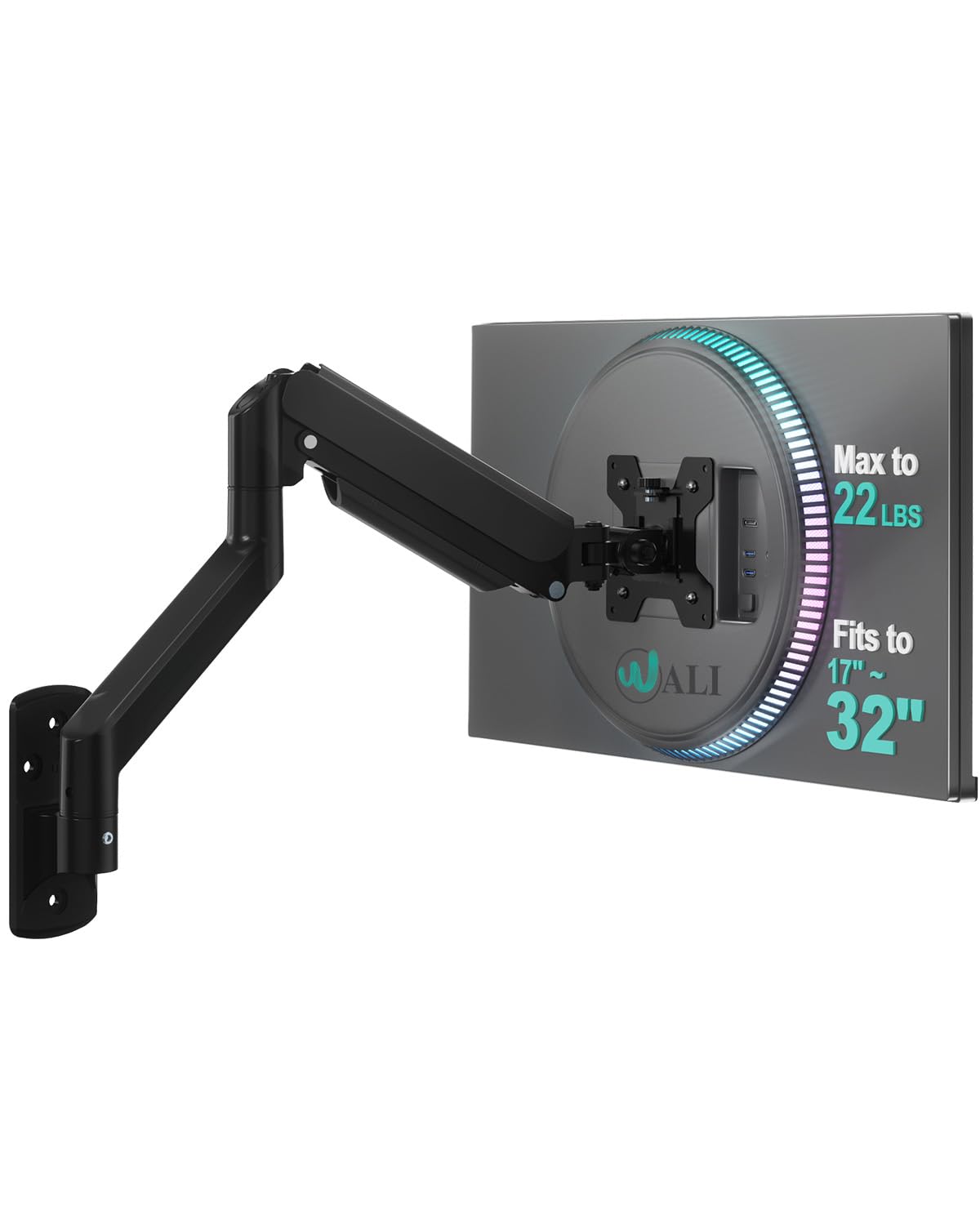
Choosing the right computer monitor setup involves understanding mounting options and compatibility. This guide focuses on the WALI Computer Monitor Wall Mount.
Why choosing computer monitors is difficult#
Selecting the right monitor setup can be complex due to varying screen sizes, mounting options, and compatibility requirements. For example, the WALI Computer Monitor Wall Mount (GSWM001) is designed for single monitors within a specific size range. Users must consider their screen’s VESA mount dimensions (75x75 or 100x100mm), weight capacity, and adjustability needs before purchasing.
Common buyer mistakes#
Many shoppers overlook the importance of checking compatibility between the wall mount and their monitor. The WALI mount is limited to monitors with specific VESA mounting points and a maximum weight limit of 22lbs. Buyers who assume all mounts are interchangeable may end up with an incompatible or unstable setup.
Real-world use and expectations#
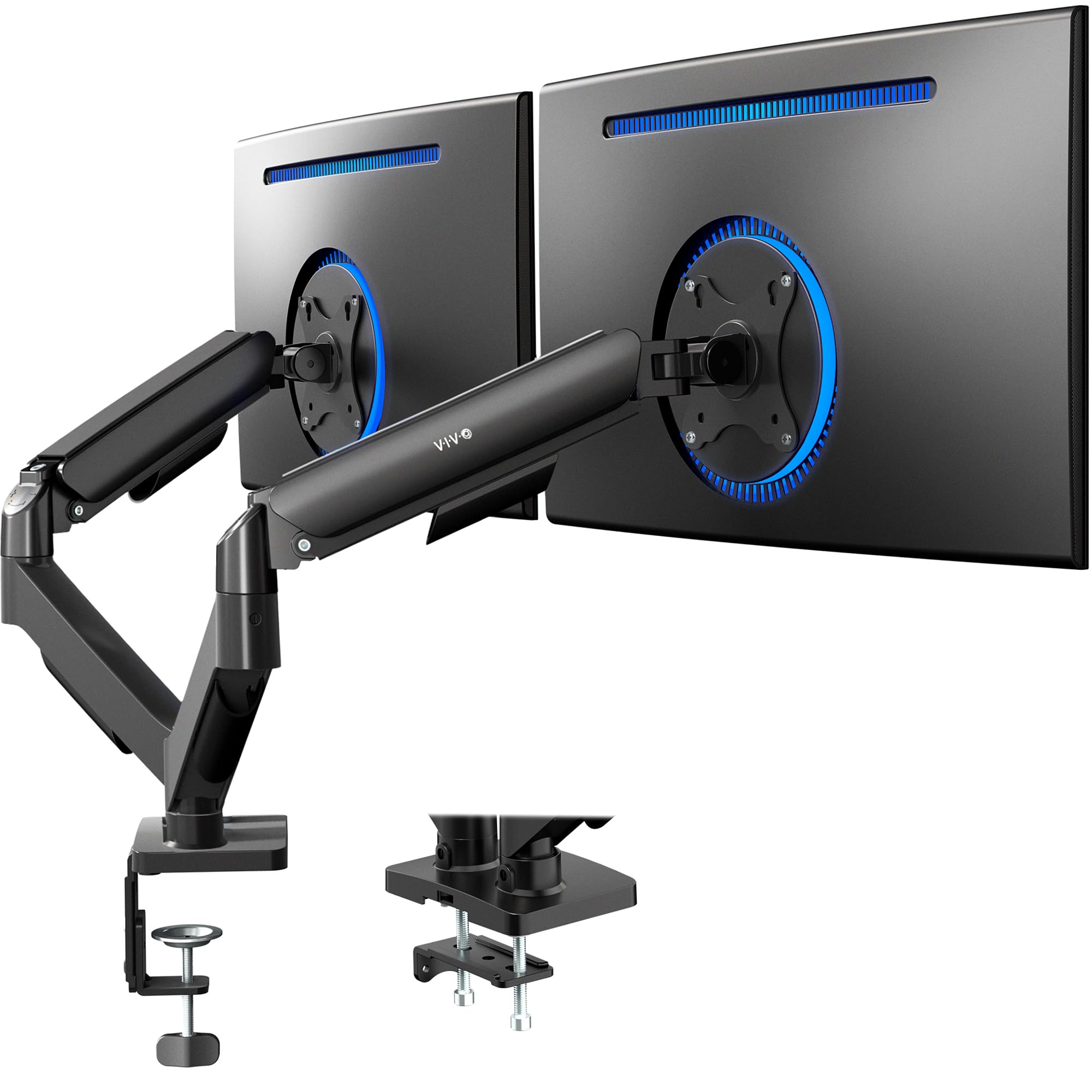
This wall mount offers flexibility through its gas spring mechanism, allowing for smooth height and angle adjustments. It is ideal for users looking to save desk space by mounting their monitor on a wall. However, it does not support dual monitors or additional accessories like cable management systems that may be needed in more complex setups.
Where this product fits (strengths and weaknesses)#
The WALI mount excels at providing an adjustable, single-monitor solution for users with limited desk space. Its gas spring design makes adjustments easy, and it supports a wide range of monitor sizes from 17 to 32 inches. However, the lack of support for dual monitors or heavier screens may limit its usefulness in professional environments where multiple displays are common.
Who should avoid this product#
Users who require multi-monitor setups or those with monitors exceeding 22lbs should look elsewhere. Additionally, individuals needing advanced features like cable management or swivel capabilities beyond what the WALI mount offers might find it insufficient for their needs.
How it compares with alternative styles#
| Feature | WALI Wall Mount (GSWM001) | Dual Monitor Arm | Heavy-Duty Mount |
|---|---|---|---|
| Max Weight | 22lbs | Varies, often higher | Up to 35lbs or more |
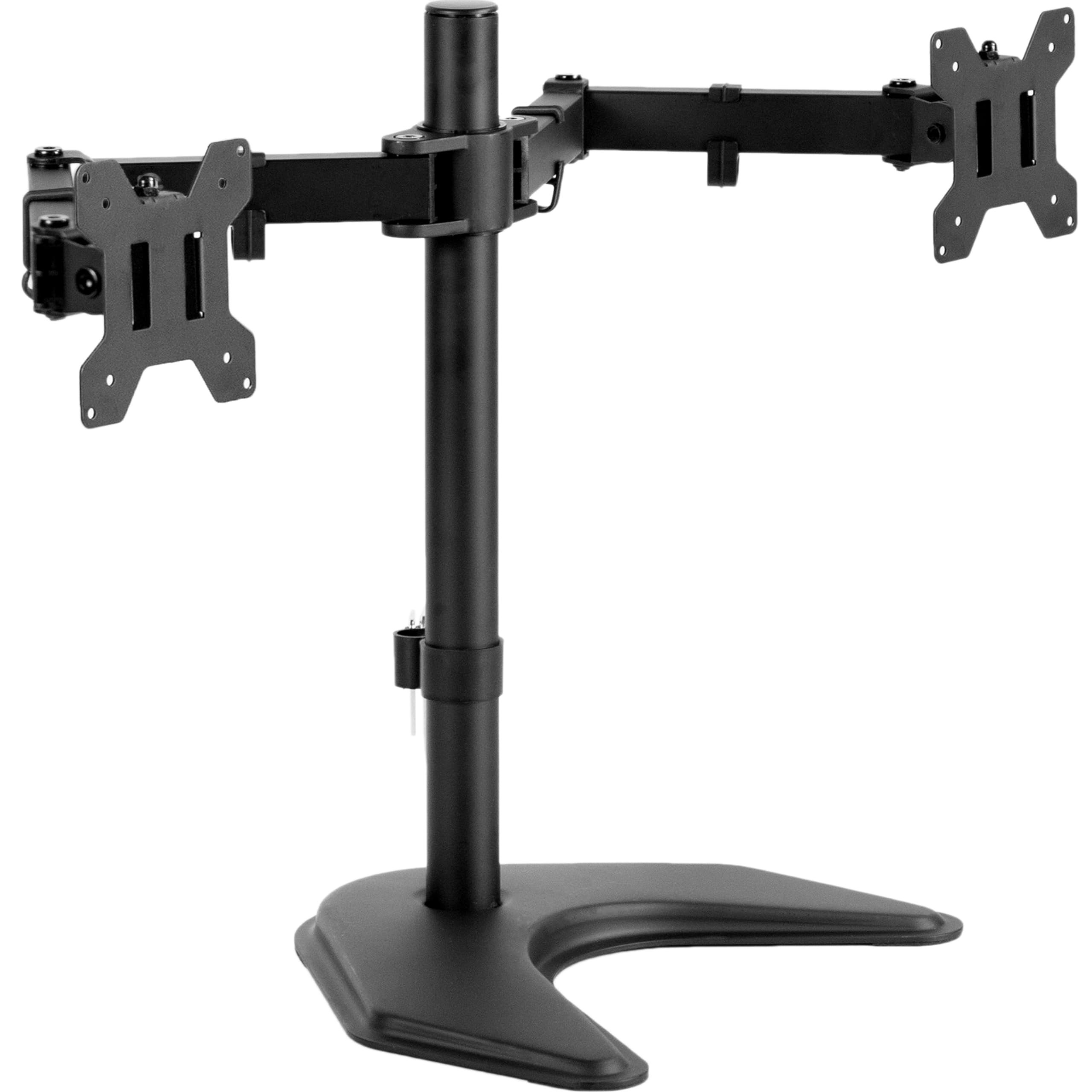
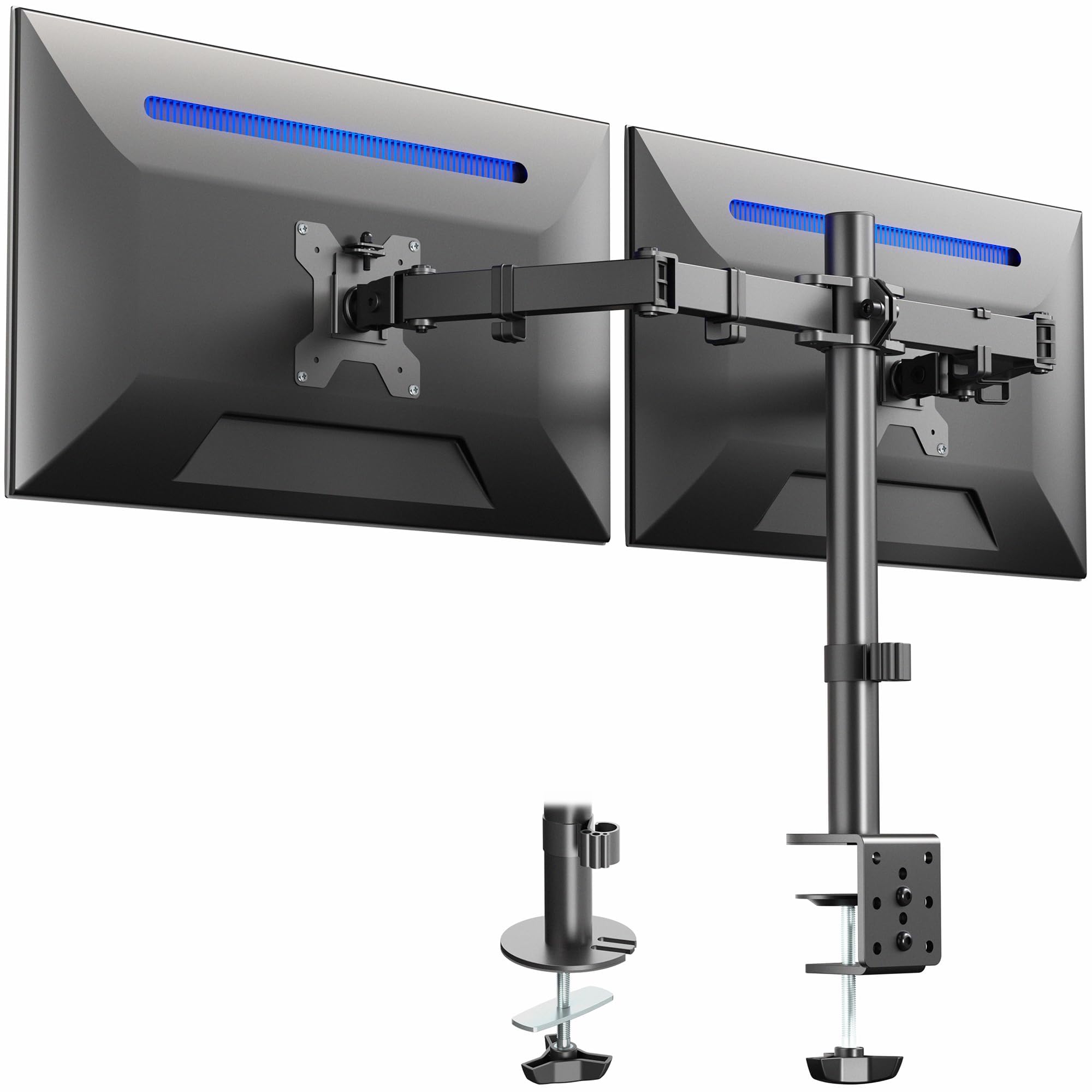
| Number of Monitors Supported | 1 | 2 or more | Typically single |
| Adjustability | Yes (gas spring) | Often limited | Limited |
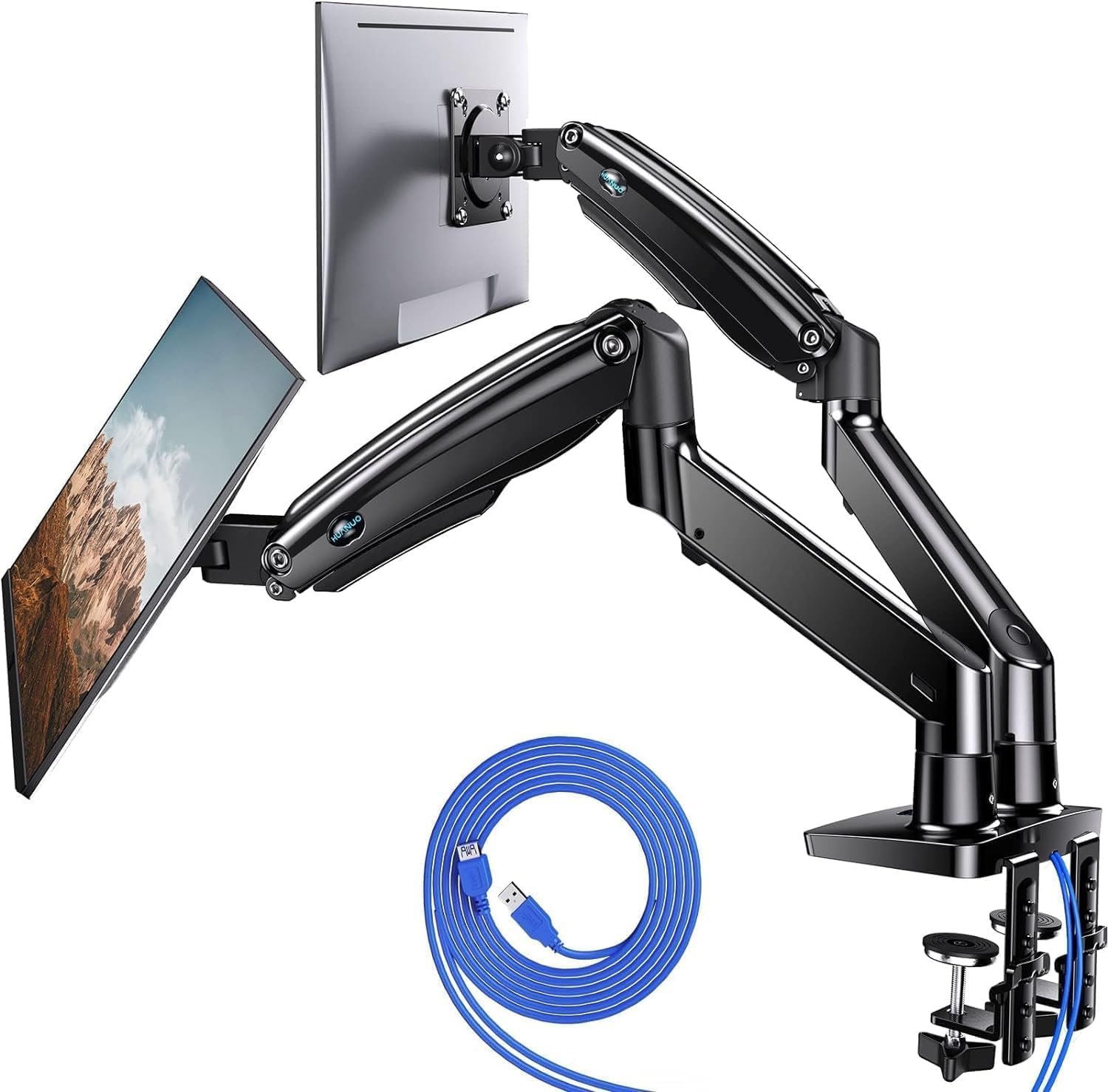
Compared to dual monitor arms and heavy-duty mounts, the WALI mount is simpler but less versatile. It does not support multiple monitors or heavier screens, which may be necessary for some users.
Care and long-term ownership#
Proper installation and regular maintenance are essential for the longevity of any wall mount. The WALI mount should be installed on a sturdy surface capable of supporting its weight limit. Avoid overextending the arm beyond its design limits to prevent wear or damage. Periodically check all screws and connections to ensure stability.
Frequently asked questions#
Can this mount support dual monitors?#
No, the WALI Computer Monitor Wall Mount is designed for single monitors only. It does not have the structural integrity or attachment points required for supporting two screens at once.
What weight limit does it have?#
The maximum recommended weight capacity of this mount is 22lbs. Exceeding this may compromise safety and functionality.
Is it compatible with all monitor sizes?#
This product supports monitors between 17 to 32 inches in size, provided they have a VESA mounting pattern of either 75x75 or 100x100mm. Larger or differently sized screens may not be compatible.
Can it be used on different types of walls?#
The mount is designed for installation on flat, sturdy surfaces such as drywall with proper anchors or concrete. It should not be mounted on materials that cannot support the weight or are too flexible.
Final thoughts#
The WALI Computer Monitor Wall Mount (GSWM001) provides a practical solution for users who want to mount their single monitor in an adjustable and space-saving way. However, its limitations in terms of weight capacity and number of monitors supported mean it may not be the best choice for all buyers. Understanding these constraints is essential when making a purchase decision.