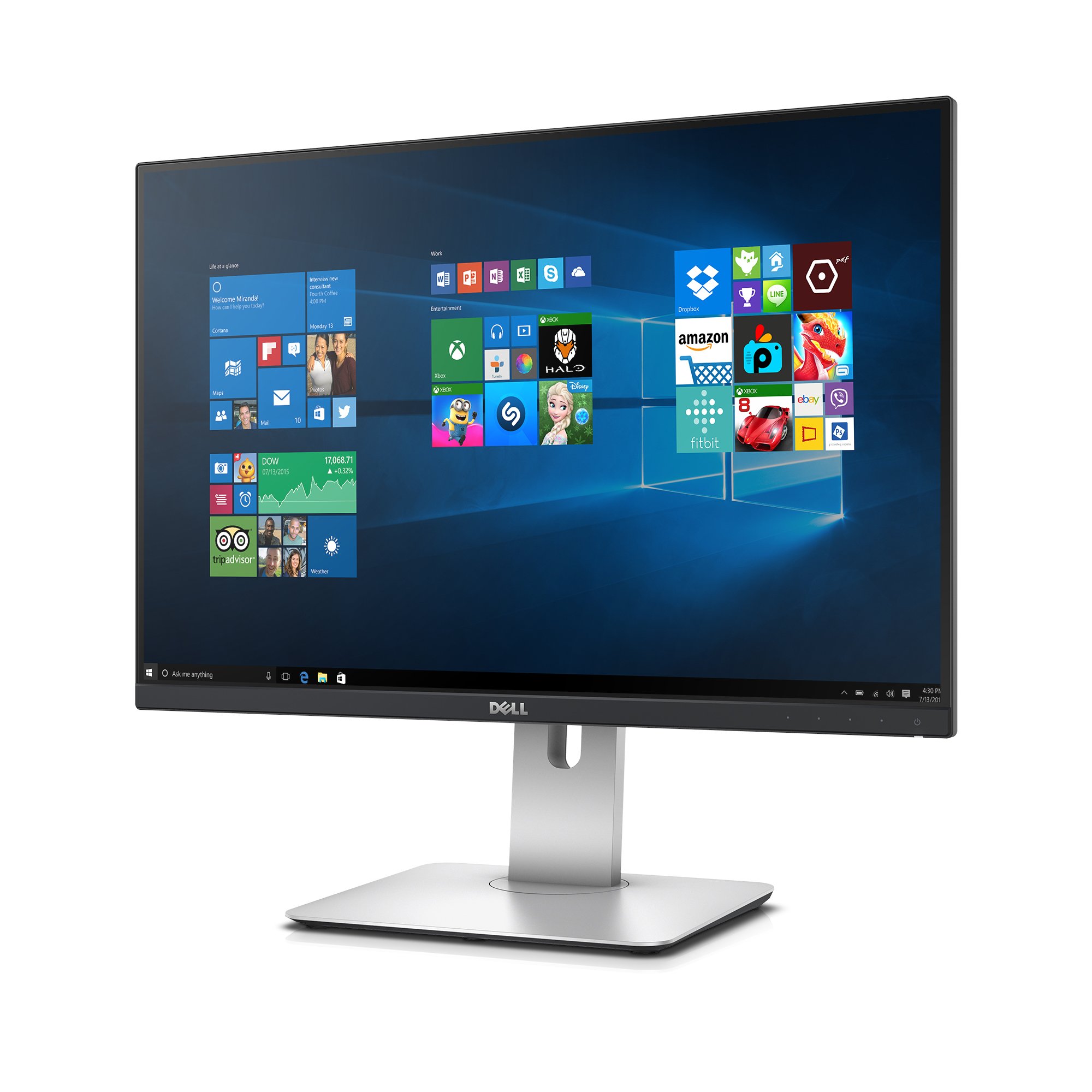

Explore key factors in selecting computer monitors, using the SAMSUNG UJ59 Series as a reference.

Why choosing computer monitors is difficult#
Selecting the right computer monitor involves balancing multiple factors such as screen size, resolution, panel type, connectivity options, and intended use. Each of these elements affects performance in different ways, making it challenging to find a single product that meets all needs. For example, while a 4K display provides sharp visuals, it may require more powerful hardware to run smoothly. Similarly, the choice between IPS and VA panels can influence color accuracy and response time depending on the user’s activity.
Common buyer mistakes#
Many shoppers focus too heavily on resolution or brand reputation without considering how the monitor will be used. A high-resolution display might not be necessary for basic tasks like word processing or web browsing, while a fast-response panel may be essential for gaming but less important for office work. Another common mistake is overlooking connectivity options; ensuring that the monitor has compatible ports such as HDMI and DisplayPort can prevent compatibility issues with existing devices.
Real-world use and expectations#
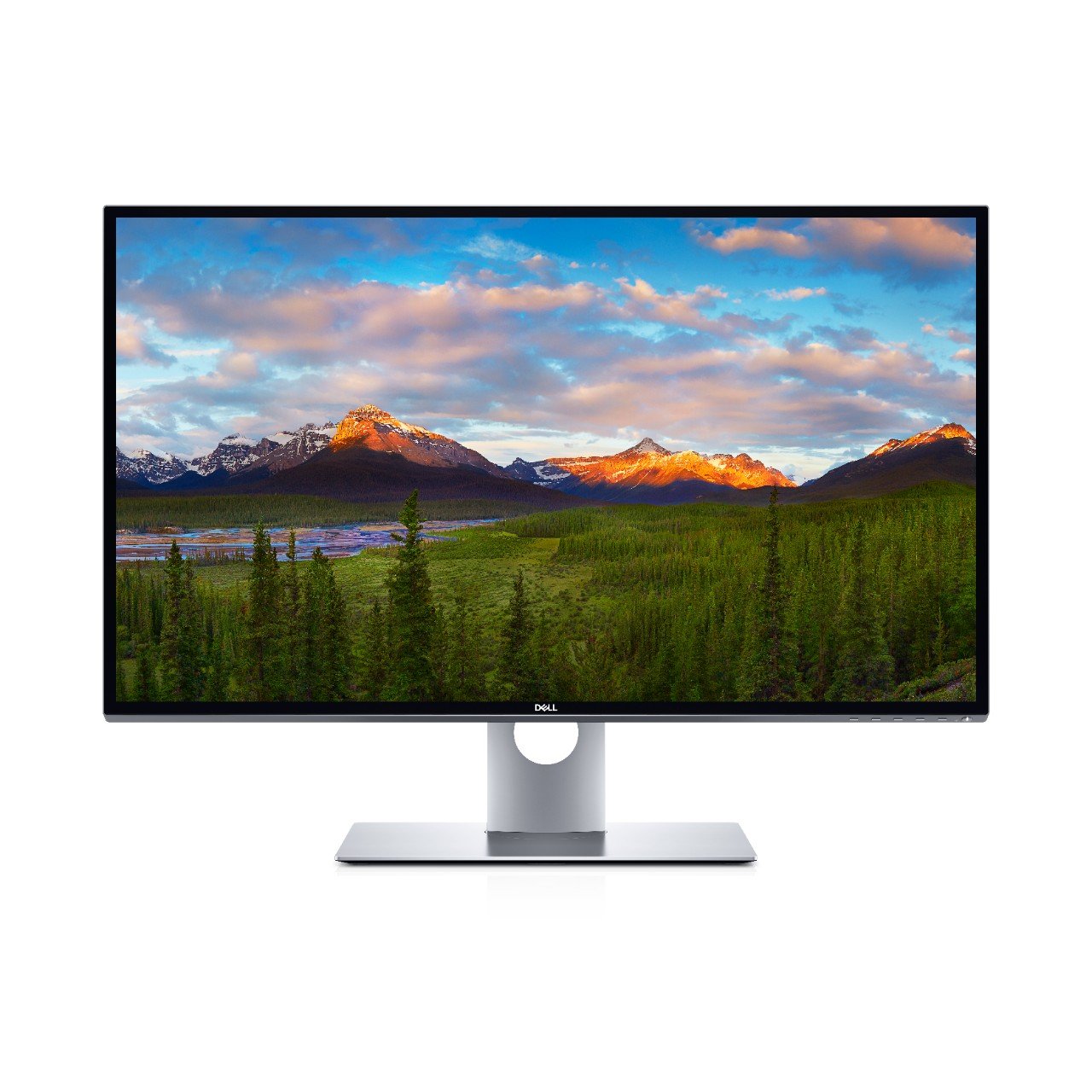
In real-world scenarios, the SAMSUNG UJ59 Series performs well in tasks requiring high visual clarity, such as photo editing or video production. Its 4K resolution allows for detailed work, and FreeSync support helps reduce screen tearing during dynamic content. However, users may notice that the VA panel has slower response times compared to IPS panels, which could be a drawback for fast-paced gaming or video editing where motion blur is a concern.
Where this product fits (strengths and weaknesses)#
The SAMSUNG UJ59 Series excels in environments where visual fidelity is more important than responsiveness. Its 32-inch size makes it suitable for dual-monitor setups, and the Eye Saver and Flicker Free modes are beneficial for users who spend long hours at their desks. However, its VA panel may not be ideal for competitive gaming or applications requiring rapid screen updates due to potential motion blur.
Who should avoid this product#
Users engaged in fast-paced gaming or those needing ultra-low input lag should consider alternatives with IPS panels and higher refresh rates. Additionally, individuals who require a monitor for tasks like graphic design or video editing may find the VA panel’s color reproduction less accurate compared to other panel types. Those looking for compact monitors might also be deterred by its 32-inch size.
How it compares with alternative styles#
| Feature | SAMSUNG UJ59 Series | IPS Panel Monitors | OLED Monitors |
|---|---|---|---|
| Resolution | 4K (3840x2160) | Typically Full HD or QHD | Often 4K or higher |
| Panel Type | VA | IPS | OLED |
| Response Time | Slower than IPS | Faster | Very fast |
| Color Accuracy | Moderate | High | Excellent |
| Input Lag | Higher | Lower | Lowest |
Care and long-term ownership#
Proper care can extend the lifespan of any monitor. Avoiding extreme temperatures, keeping the screen clean with appropriate materials, and ensuring proper ventilation are essential for maintaining performance over time. Users should also be mindful of brightness levels to prevent eye strain and reduce potential damage from excessive backlight use.
Frequently asked questions#
What is FreeSync support on this monitor?#
FreeSync technology helps synchronize the refresh rate of the display with the graphics card, reducing screen tearing during fast-moving content. This feature is particularly useful for gaming but may not be as critical for general computing tasks.
Can I use this monitor for graphic design work?#
The SAMSUNG UJ59 Series provides decent color reproduction and a high-resolution display, making it suitable for basic graphic design. However, professional designers might prefer monitors with IPS panels for more accurate color representation and wider viewing angles.
Does the VA panel affect gaming performance?#
Yes, VA panels typically have slower response times compared to IPS or TN panels, which can lead to motion blur during fast-paced games. This may be a consideration for gamers looking for minimal input lag and sharp visuals in action-packed scenarios.
What are the connectivity options available on this monitor?#
The SAMSUNG UJ59 Series includes HDMI and DisplayPort connections, allowing compatibility with most modern computers and graphics cards. These ports support high-resolution outputs and can be used to connect additional devices if needed.
Final thoughts#
The SAMSUNG UJ59 Series is a capable option for users who prioritize visual clarity in tasks like video editing or content creation. Its 4K resolution, FreeSync support, and Eye Saver features make it suitable for long hours of use but may not be the best choice for gaming or applications requiring fast response times. As with any purchase, understanding your specific needs will help ensure a better match between product capabilities and personal requirements.