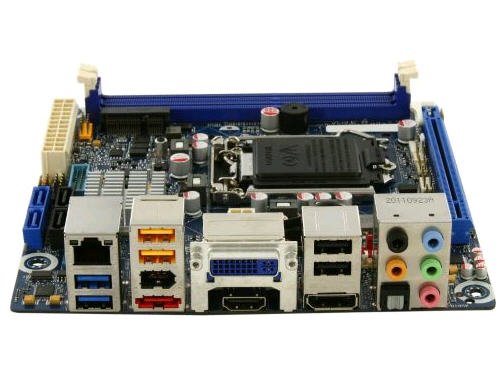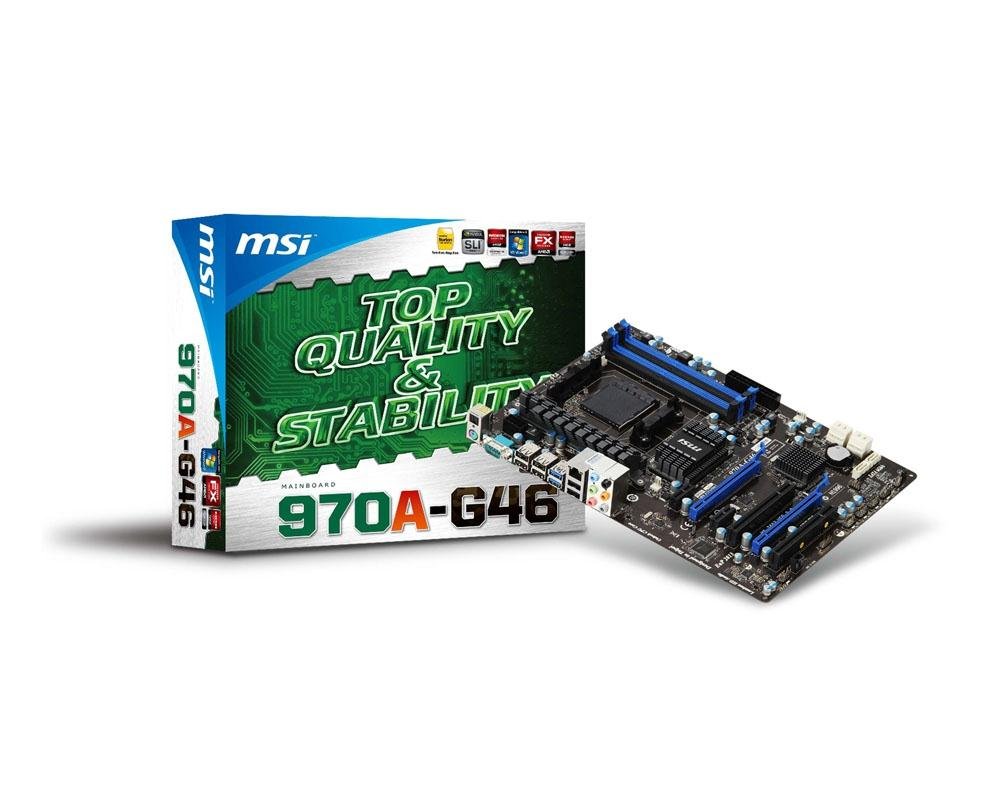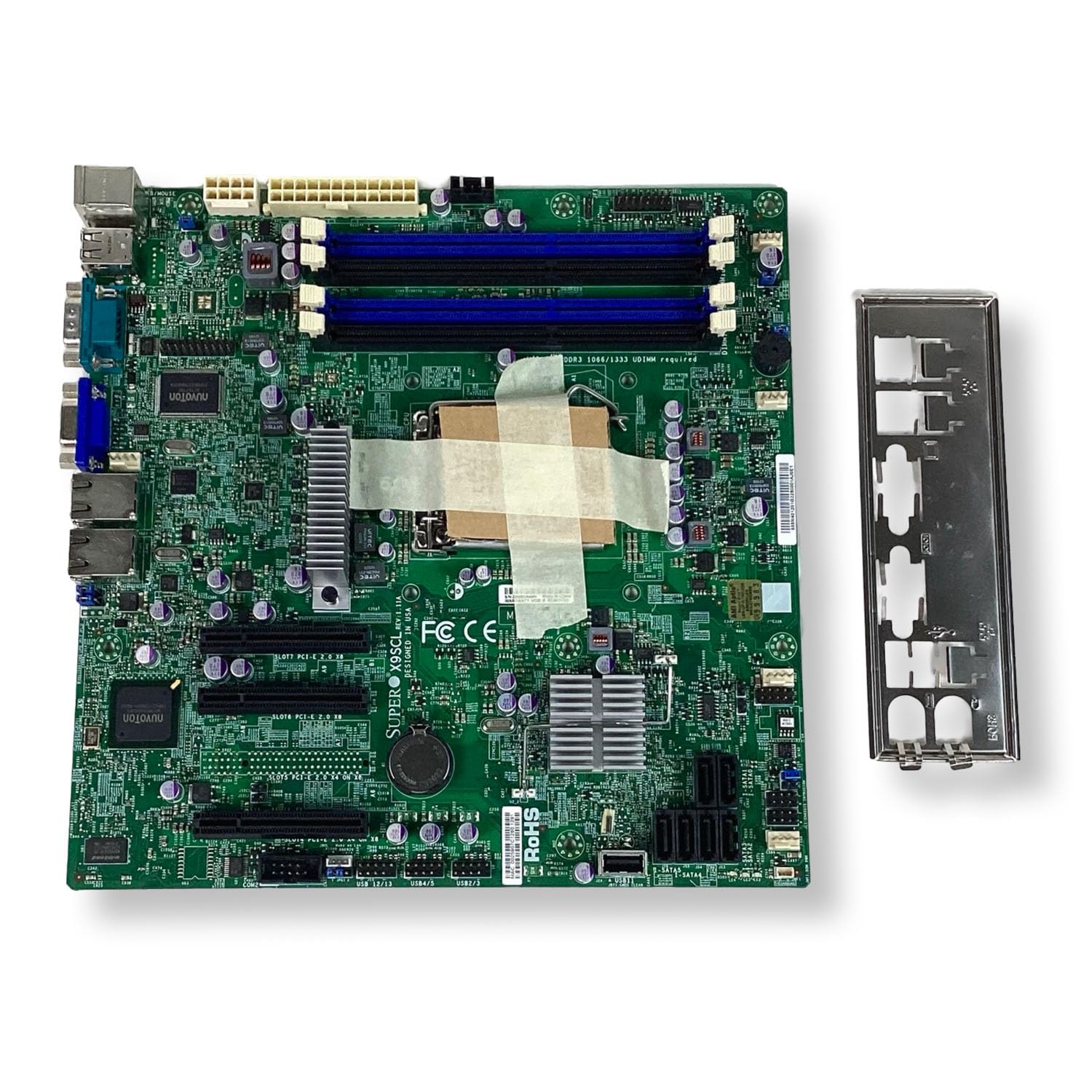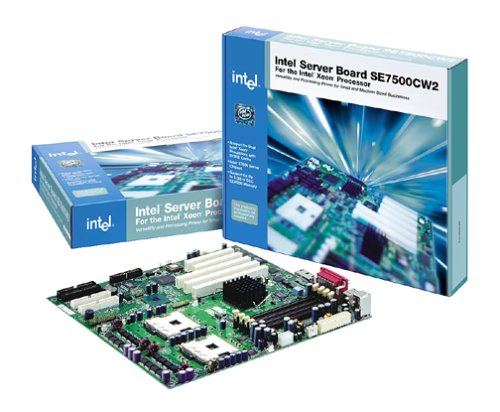

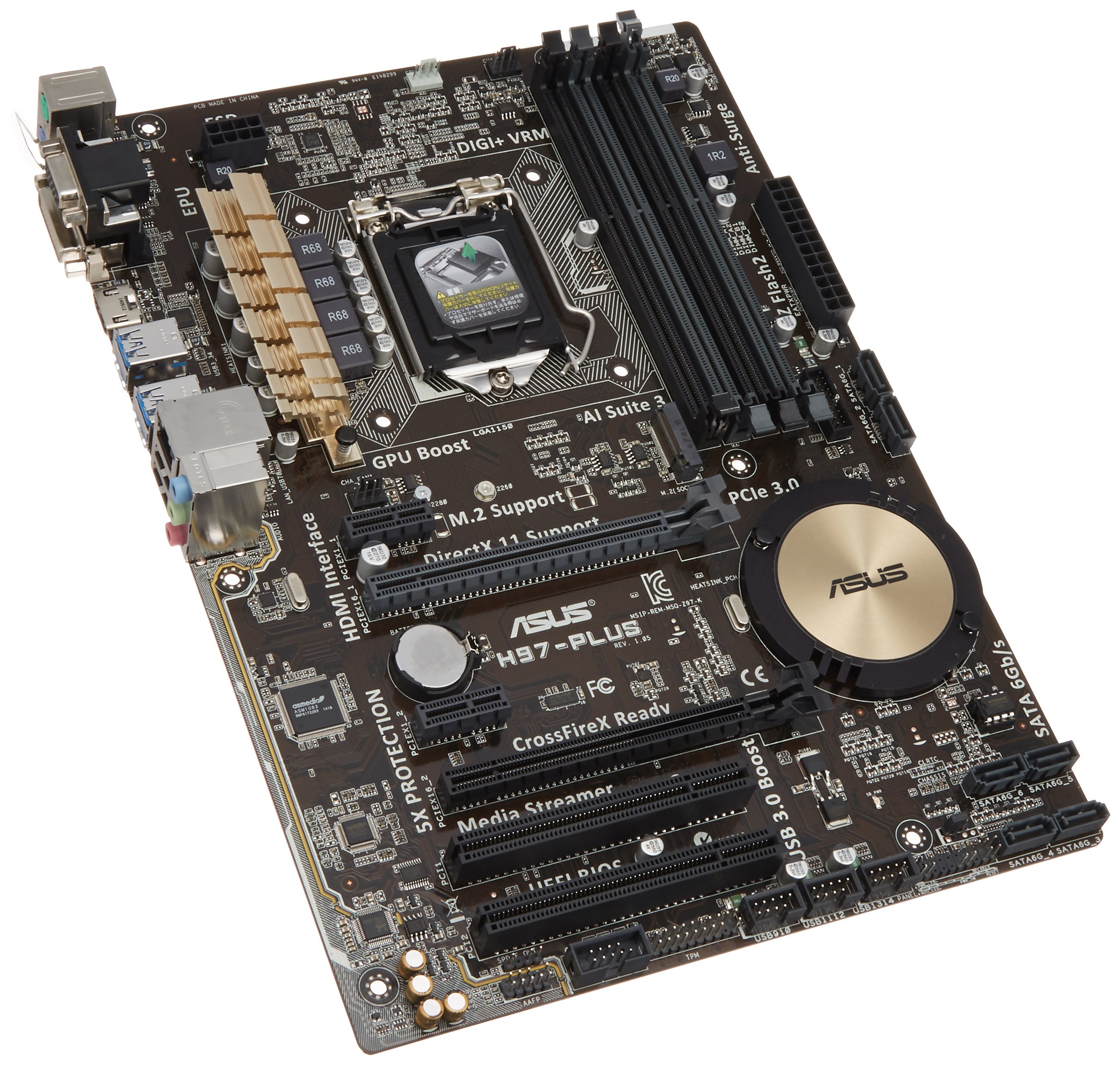
A review of the ASUS H97-PLUS motherboard for Computer Motherboards, focusing on its features and use cases.
Why choosing Computer Motherboards is difficult#
Selecting the right computer motherboard involves balancing compatibility, performance needs, and future-proofing. With a wide range of form factors (ATX, micro-ATX, mini-ITX), socket types (LGA 1150, AM4, etc.), memory support (DDR3 vs DDR4), and chipset options, the decision can be overwhelming. Users must consider their CPU choice, cooling requirements, expansion needs, and budget. A motherboard like the ASUS H97-PLUS is built for a specific generation of processors and may not support newer hardware without upgrades.
Common buyer mistakes#
One common mistake is assuming all motherboards are compatible with any processor or RAM module. The ASUS H97-PLUS supports DDR3 memory but will not work with DDR4, which limits future upgrade options. Another error is overlooking the need for proper power delivery and cooling solutions when selecting a motherboard, especially if planning to use high-end CPUs or GPUs. Buyers should also verify that their case can accommodate an ATX form factor board and that all necessary expansion slots (PCIe, M.2) are available.
Real-world use and expectations#
The ASUS H97-PLUS is best suited for users building systems around Intel’s fourth-generation Core processors (Haswell architecture). It offers a reliable platform with features such as USB 3.0 ports, SATA 6Gb/s support, and multiple PCIe lanes for expansion cards like GPUs or sound cards. However, it lacks newer technologies found in more recent motherboards, such as USB-C, M.2 NVMe slots (depending on the model), and advanced power delivery systems required by modern high-performance CPUs.
Where this product fits (strengths and weaknesses)#
Strengths:#
Supports LGA 1150 processors with DDR3 memory modules.
Provides a stable platform for mid-range desktop builds.
Includes essential connectivity options like USB 3.0, SATA 6Gb/s, and multiple PCIe slots.
Weaknesses:#
Limited to older processor generations; not compatible with newer Intel or AMD CPUs.
No support for DDR4 memory modules.
Lacks modern features such as M.2 NVMe slots in some configurations.
Who should avoid this product#
Users looking to build a system with the latest processors (e.g., 10th Gen Intel or Ryzen 5000 series) should not consider the ASUS H97-PLUS, as it is incompatible due to its LGA 1150 socket and DDR3 memory support. Additionally, those requiring M.2 NVMe storage or USB-C connectivity may find this motherboard outdated for their needs.
How it compares with alternative styles#
| Feature | ASUS H97-PLUS | Modern ATX Motherboard (e.g., Z690) |
|---|---|---|
| Processor Support | LGA 1150 (Haswell) | LGA 1200, AM4, etc. |
| Memory Type | DDR3 | DDR4, DDR5 |
| M.2 NVMe Slot | Varies by model | Standard feature |
| USB-C Ports | No | Yes |
Modern motherboards offer broader compatibility and more advanced features such as PCIe 4.0 support, improved power delivery for high-end CPUs, and enhanced connectivity options like USB-C and Thunderbolt. However, they may come at a higher price point or require newer hardware to take full advantage of their capabilities.
Care and long-term ownership#
Proper care is essential for extending the lifespan of any motherboard. Ensuring adequate cooling in the system helps prevent overheating, which can damage components over time. Keeping firmware (BIOS) updated can also improve stability and compatibility with new hardware. Since the ASUS H97-PLUS supports only older processors, it may become obsolete sooner than newer models, limiting its long-term usefulness for users who plan to upgrade their systems frequently.
Frequently asked questions#
What processor is compatible with this motherboard?#
The ASUS H97-PLUS is designed for Intel’s fourth-generation Core processors (Haswell architecture) using the LGA 1150 socket. It does not support newer generations of Intel or AMD CPUs.
Does it support DDR4 memory modules?#
No, the ASUS H97-PLUS only supports DDR3 memory modules and will not work with DDR4 RAM.
Are there M.2 NVMe slots on this motherboard?#
This depends on the specific model variant; some versions of the H97-PLUS may include an M.2 slot while others do not. Users should check product specifications for confirmation.
Can I use this motherboard with a modern GPU like the RTX 40 series?#
The ASUS H97-PLUS can support most GPUs, including high-end models like the RTX 40 series, as long as they fit physically in the case and are compatible with the PCIe interface. However, performance may be limited by other system components such as power supply or CPU.
Final thoughts#
The ASUS H97-PLUS is a solid option for users building systems around Intel’s fourth-generation processors with DDR3 memory support. It provides reliable performance for mid-range desktop builds but lacks the modern features found in newer motherboards. Buyers should carefully consider their hardware requirements and future upgrade plans before selecting this product.